Connections
Prerequisites
- Tradovate accounts and credentials – you must have at least 2 Tradovate accounts (demo or live) to start copying trades. You will need the username and password for your Tradovate account(s) to make the connection
- Live market data – to place trades on Tradovate, you need a live market data subscription for the instrument(s) you are trading
Important Connection Information
- Echo Trader makes best effort to keep your connections alive throughout the trading week. However, the broker may disconnect a connection from time to time. If this happens, simply reconnect the connection again before trading.
- It is best practice to check your connections every day before trading.
- Connections most likely will not be held over the weekend due to broker limitation.
- It is best practice to reconnect your connections at the beginning of each trading week.
- You can get notified if a connection disconnects if you select to receive email notifications.
Creating a Connection
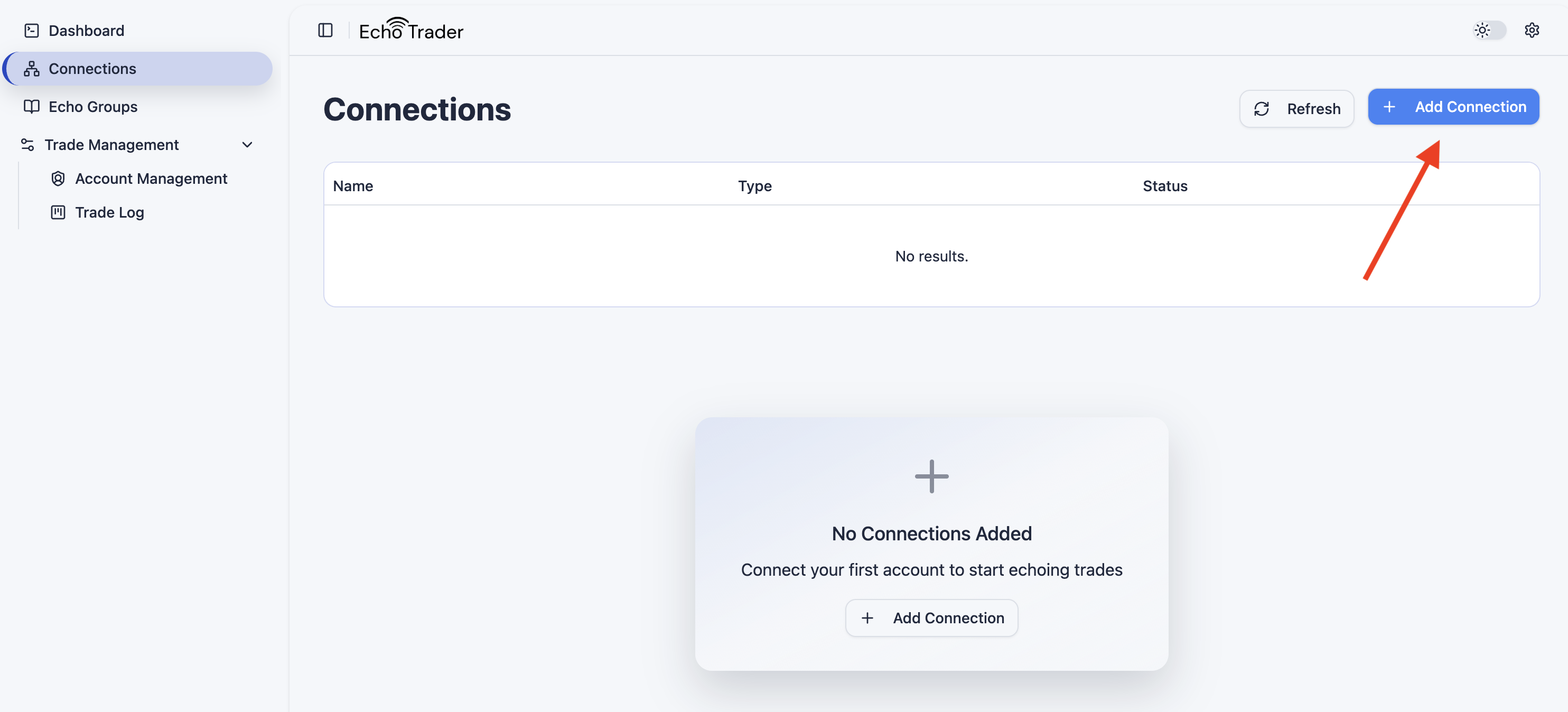
- Navigate to the Connections tab and click on Add Connection.
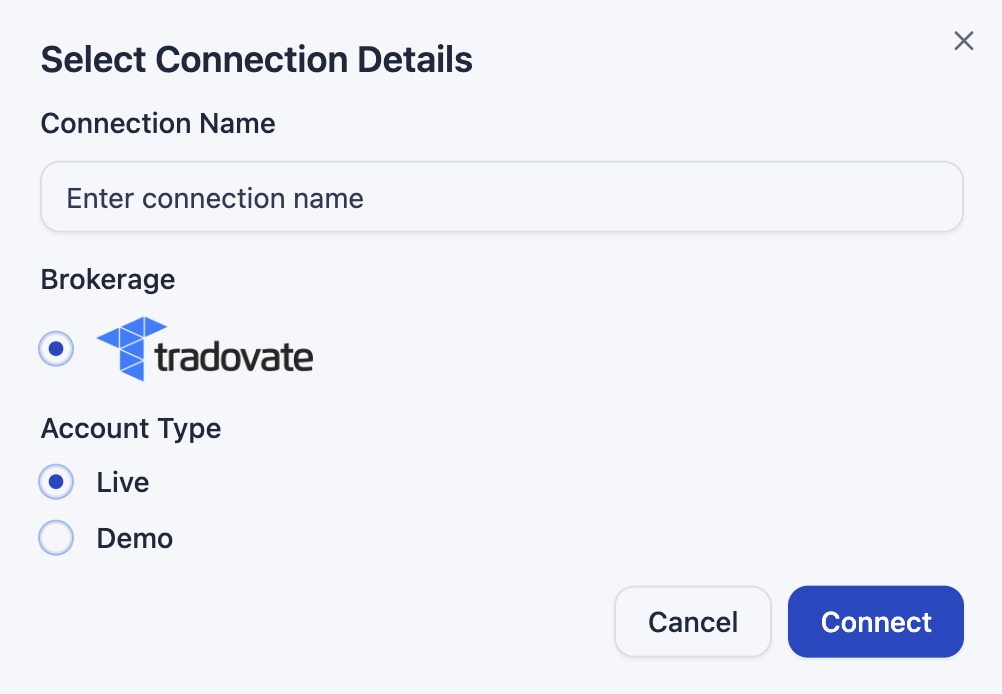
- A popup will prompt you to name your connection, select the brokerage, and choose whether the account is a Demo or Live account. New connections default to Demo — switch it to Live if you're connecting a funded/live account. Click Connect once you have filled out the form.
-
This will redirect you to a Tradovate login screen where you can type in your username and password. Click Login after you enter your username and password.
-
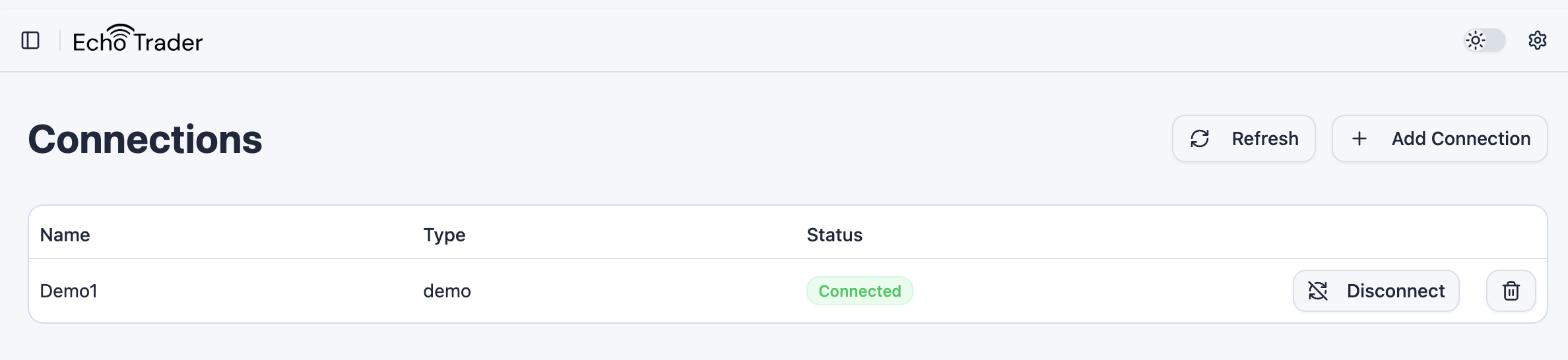
You will be redirected back to Echo Trader where you will see your connection in a Connected status.
Renaming a Connection
To rename a connection, click the pencil (edit) icon next to its name. A dialog will open where you can type a new name and save it. This only changes the display name — it does not affect the connection itself or your trades.
Disconnecting a Connection
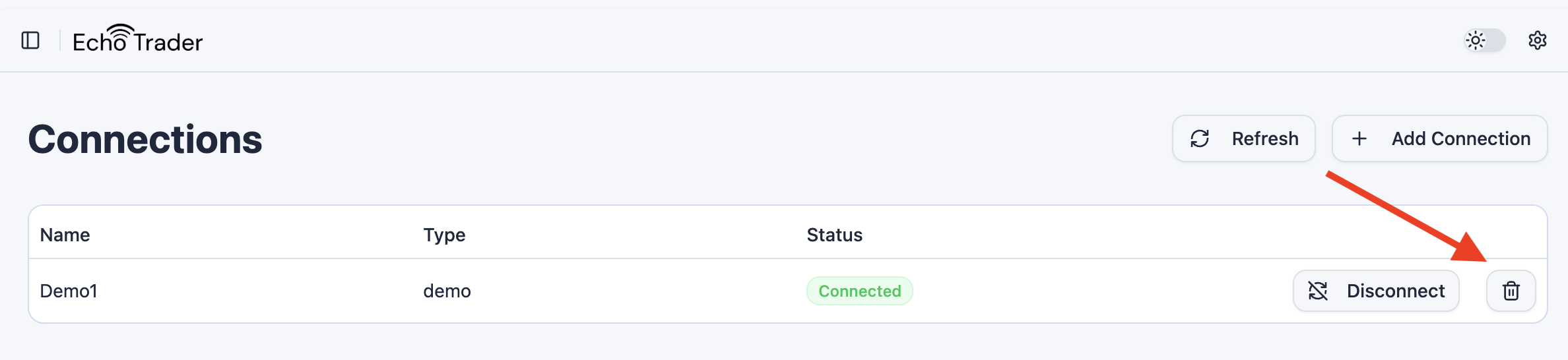
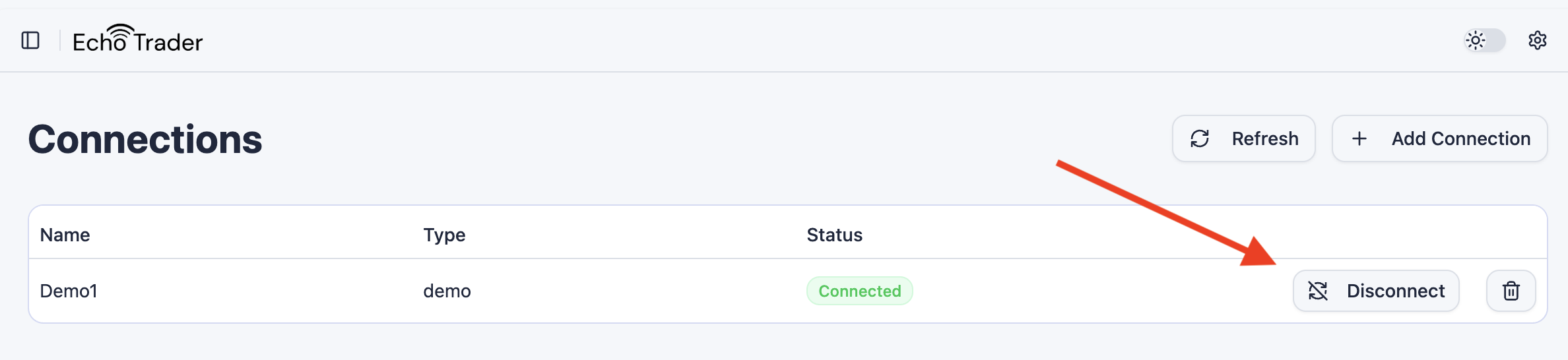
To disconnect any connection, click the Disconnect button on a connection that is actively connected.
Deleting a Connection
To delete any connection, click the trash can button next to a connection.