User Profile and Settings
Notifications
Echo Trader allows you to subscribe to real time connection and trade notifications that help you stay connected and take action if necessary.
Echo Trader can send you email notifications for the following events:
- A connections gets disconnected
- An issue with a trade copied to a follower account
- An issue with editing an order on a follower account
- An issue with cancelling an order on a follower account
Notification Settings
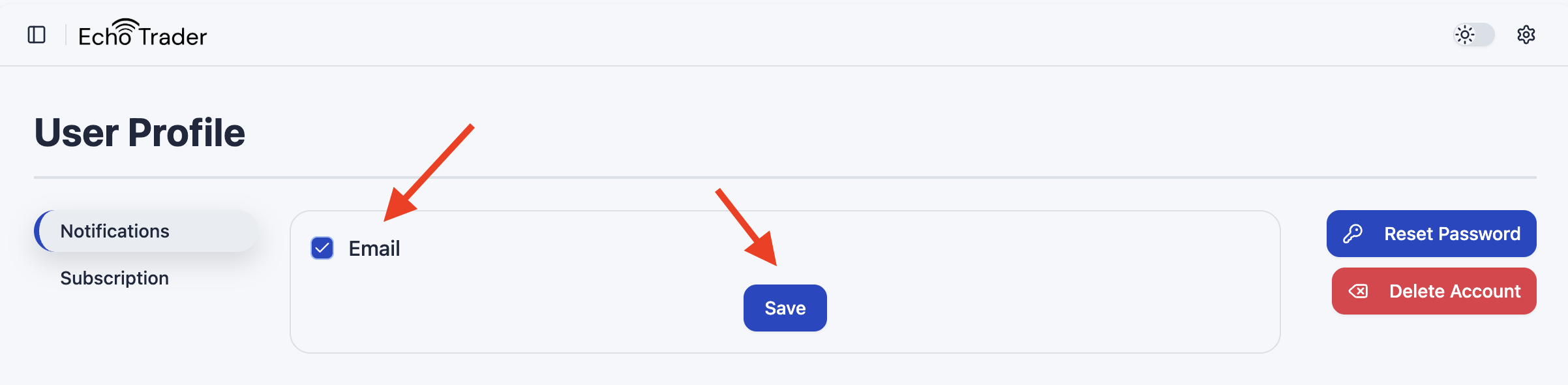
To enable email notifications, click your username or gear icon in the bottom left corner of the app, and click Profile.
On the Notification tab, check the box next to Email and click Save.
Reset Password
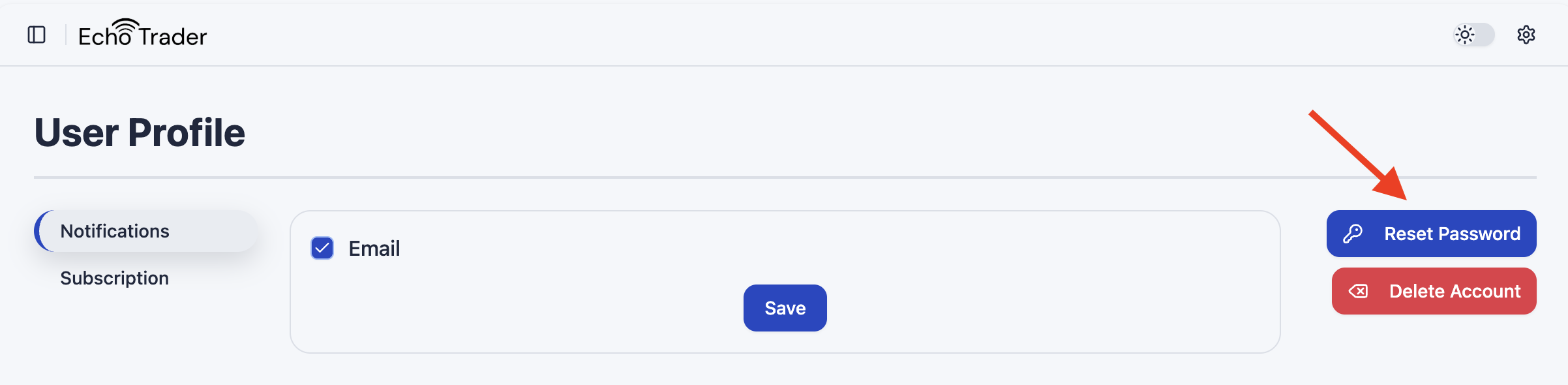
To reset your password, either click the Forgot Password link when signing in, or click your username/gear icon in the bottom left corner of the app, and click Profile.
Click the Reset Password button and follow the instructions.
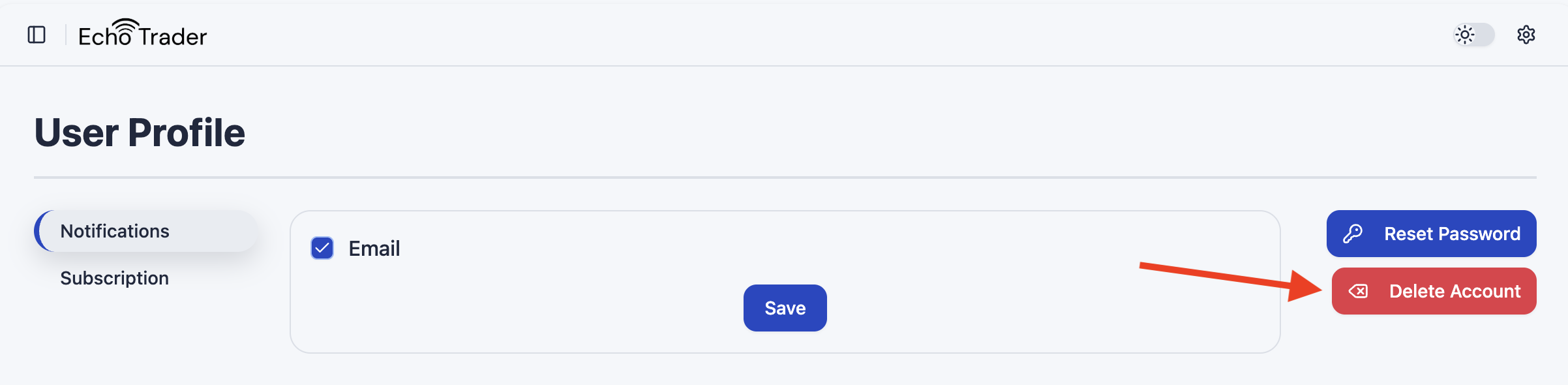
Delete Account
To delete your password, you must send an email to support@echotrader.io. You can also click your username/gear icon in the bottom left corner of the app, and click Profile.
Click the Delete Account button which will open an email for you to send to Echo Trader support.